Using Visual Schedules to Support Executive Functioning at Every Age
Visual schedules aren’t just for young kids. Discover how visual schedules can help people of all ages manage tasks and reduce stress levels.
What Is a Visual Schedule?
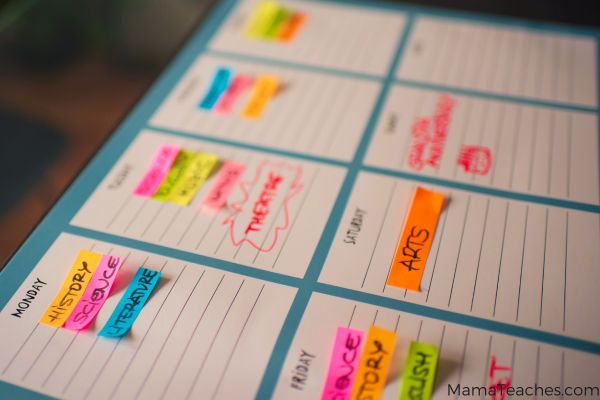
A visual schedule is a tool that shows a sequence of to-do items in a bold and graphical format.
A visual schedule may consist only of pictures, but it is not limited to those.
Visual schedules may include icons, symbols, or written words.
Types of Visual Schedules
A visual schedule can take many different forms.
Chart
A visual schedule can be a chart with a checklist. This method works well for repeated activities.
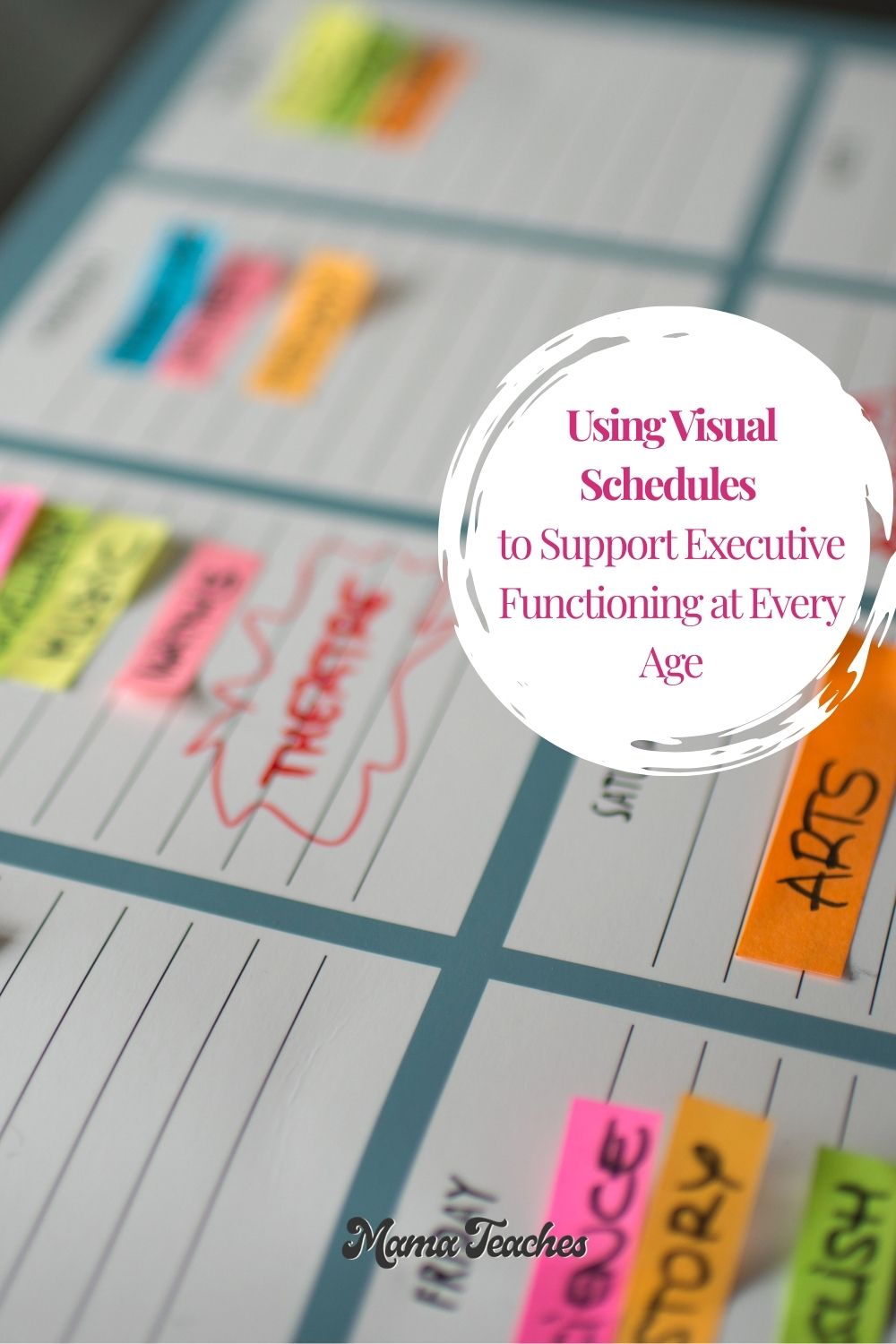
Detachable Cards or Sticky Notes
Instead of checking off items from a visual schedule, you can remove them with detachable cards or sticky notes.
Flipbook
A flip book is a tactile, repeatable way to move through items on a visual schedule.
Planner
A planner can serve as a visual schedule if it includes checklists that break down large tasks or goals into manageable components.
Digital App
Visual schedules can be digital! Use a screen-based visual checklist.
How Do Visual Schedules Help with Executive Functioning?
Executive functioning skills cover a range of mental processes associated with planning, organization, and self-regulation.
Visual schedules help the executive-functioning skills of planning and organization.
They assist in breaking tasks down into manageable, definable steps. Learning how to break tasks into manageable steps is one of the most important skills children will need throughout their life for a variety of tasks.
Working memory is also an executive functioning skill. It’s the ability to hold short-term information in your head.
You need to grow your working memory to follow multi-step tasks. Visual schedules provide memory cues, a tool for developing working memory.
Visual schedules can also help with time management, especially if the timers or timetables are associated with the items on the schedule. Time blindness in kids is a real thing, so figuring out how to overcome it is priceless.
For kids who struggle to get started, visual schedules can help kids get started on tasks and follow through with them.
In short, visual schedules provide the scaffolding for executive functioning skills.
Need Help With Executive Functioning at Home?
When starting, remembering, managing time, staying organized, or handling frustration becomes difficult, the Executive Functioning Rescue Kit for Families can help. Inside, you’ll find supportive parent scripts, simple rescue strategies, and practical printable tools designed to create calmer routines with fewer repeated reminders.
Visual Schedules for Prereaders
Visual schedules for prereaders do not need to be wordless, but they should incorporate symbols or pictures that are easy to decode.
Picture Strips
Picture strips show a sequence of tasks in picture form.
An example of this is a going to bed picture strip, with all the items in the bedtime routine represented with simple drawings or icons: bath, dirty clothes in a basket, pajamas, toothbrush, comb, book, and bed.
Pocket Charts
Pocket charts are great for classroom tasks or daily chores.
Children can move the task from the “to do” pocket to the “completed” pocket.
First/Then Boards
These simplified depictions show rhythm-based schedules, reminders that one thing happens before another.
For example, show a picture of washing hands and then a picture of food. This reminds the child that hands must be washed before eating.
Visual Schedules for Elementary
Children in the elementary ages have begun to manage tasks on their own, and visual schedules can help them with autonomy and accomplishing tasks.
Anchor Charts
Anchor charts can remind kids of the steps needed for a larger project.
For example, an anchor chart for a writing activity might include: Brainstorm, Writing, Illustrate, Share, with arrows in between each task and an icon with each.
Daily Schedule
Post your daily schedule, but make it more visual by associating colors with the various items on the to-do list.
In a classroom, science might always be green while history is brown.
Choice Boards
Kids love to have agency in their own lives, and choice boards are a great way to boost their cooperation and attitude.
You can velcro the tasks (or use a pocket chart) to let kids select the order of activities or choose a single activity from a small group.
For example, if you want kids to review their spelling words, they can select the review activity from a choice board: writing the word in sand, illustrating the written word, or using the word in a sentence.
Visual Schedules for Middle School
Middle schoolers are ready to go beyond graphics only, but visual schedules still help them.
Color-coding and icons can make a dramatic difference for this age.
Colored Tabs and Binder Inserts
If your child uses a binder for daily work, use colored tabs or tabbed pocket folders to divide and store the work for each subject.
Put the tabs in order from first subject to last, and maintain color-subject associations from year to year (green=science).
If your child uses notebooks as well, buy notebooks in the same color as the folders.
Weekly Planners with Priority Tasks
Planners are an ideal place for students to write their own visual schedules.
To-do items should be written in order of priority, top down.
High-priority tasks should have a symbol associated with them, like a star.
Anything that helps with general daily support of establishing executive functioning routines can be a powerful tool for students (and adults!).
Digital Calendar
A digital calendar like Google Calendar can provide a place to note all upcoming events and to-do items.
As a bonus, you can set it to alert the student of upcoming events.
Text-based Checklists
Checklists are a form of visual schedule. Insist that your child actually checks off the items as he completes them.
You can use a written checklist or a digital checklist, like the Reminders app on iOS devices.
Visual Schedules for High School
High schoolers have busier lives, long-term goals, and multi-faceted projects.
Their visual schedules will need to be more adaptable to suit their needs.
Online Calendars
Online calendars provide a convenient place to store upcoming events (and set alerts for reminders).
Weekly Planner
Although online calendars can provide notifications, some high schoolers do better with a physical weekly planner.
In many cases, writing to-do items helps people remember them.
They can also use their own system of color-coding, symbols, or prioritizing to keep a better mental picture of their week.
Digital Planning Tools
Calendars aren’t the only online planning tools available.
Trello Boards
Trello boards are like a digital filing system. You can create “cards” of information and move them to various categories.
You can color-code the cards and even select custom images for each one. To help with task completion, set due dates and reminders.
Break down a task into chunks and make a card for each smaller to-do. Then mark each one as “complete.”
Tiimo
Tiimo is a digital schedule that is color-coded and icon-associated. You can even use AI to break down larger tasks into suggested chunks.
MyStudyLife
MyStudyLife is a color-coded calendar and task manager app that is specifically designed for academics.
A “Family Connect” feature allows parents to see their high schooler’s upcoming assignments and events.
Visual Schedules for Every Age
Give executive functioning skills a boost at any age with these visual schedules.
Planning, organization, and time management have never been so easy (and so colorful)!